
You spent hours on that blog post. It got a week of traffic, then quietly sank into your archive. Sound familiar?
Here's the thing: your audience is busy watching. Reels, Shorts, TikTok, YouTube explainers over lunch. Plenty of people who would never read 2,000 words will happily watch a two-minute video that says the same thing.
Turning a post into a video used to mean scripts, voice-overs and hours of editing. Now you paste a link, pick a voice, and AI hands you a finished video in minutes.
But the tools are far from equal. So we checked the official site, pricing page and demo of every serious option and kept the 12 worth your time in 2026. Each comes with a demo, current pricing and honest pros and cons, starting with our top pick, Blog2Vid.
Quick comparison
Here's how all 12 compare at a glance. Prices are the lowest paid plan, checked in October 2026.
| Rank | Tool | Starts at | Paste a URL? | Video length | Best for |
|---|---|---|---|---|---|
| 1 | Blog2Vid | $6.99/mo or $67/yr | Yes, built for it | Up to 25 min | Bloggers, affiliates, content marketers |
| 2 | Pictory | $25/mo (yearly) | Yes | Up to 30 min | Stock-footage explainers |
| 3 | Lumen5 | About $19/mo (yearly) | Yes | About 10 min on Basic | Branded social videos |
| 4 | Fliki | $21/mo (yearly) | Yes | 15 min on Standard | Voice-led videos in many languages |
| 5 | InVideo AI | $10/mo (yearly) | Paste text or prompt | Agent-built videos | Prompt-driven marketing videos |
| 6 | Visla | $15/mo | Yes | Flexible | Business and product pages |
| 7 | Steve.ai | $10/mo (yearly) | Yes | Short to mid-length | Animated explainers |
| 8 | Synthesia | $29/mo | Paste text or docs | About 12 min/mo extra on Starter | Avatar training videos |
| 9 | Elai.io | $23/mo (yearly) | Yes | 15 min/mo on Creator | Avatar presenter videos |
| 10 | VEED | $25/mo ($147/yr) | Paste text | Flexible | Editing plus AI generation |
| 11 | Wave.video | $16/mo | Paste text | Flexible | Video marketing all-in-one |
| 12 | Canva | $15/mo | No | Short clips | Design-first teams |
How we picked these tools
How did we narrow it down?
We started with the tools that rank on Google for blog to video and article to video. Then we checked each one directly: its official site, its pricing page and a demo of the workflow.
We judged them on three things. How close each gets to a finished video from just a link. How much control you keep over voice, visuals and format.
And the big one: what it really costs to convert a whole blog, not just one post.
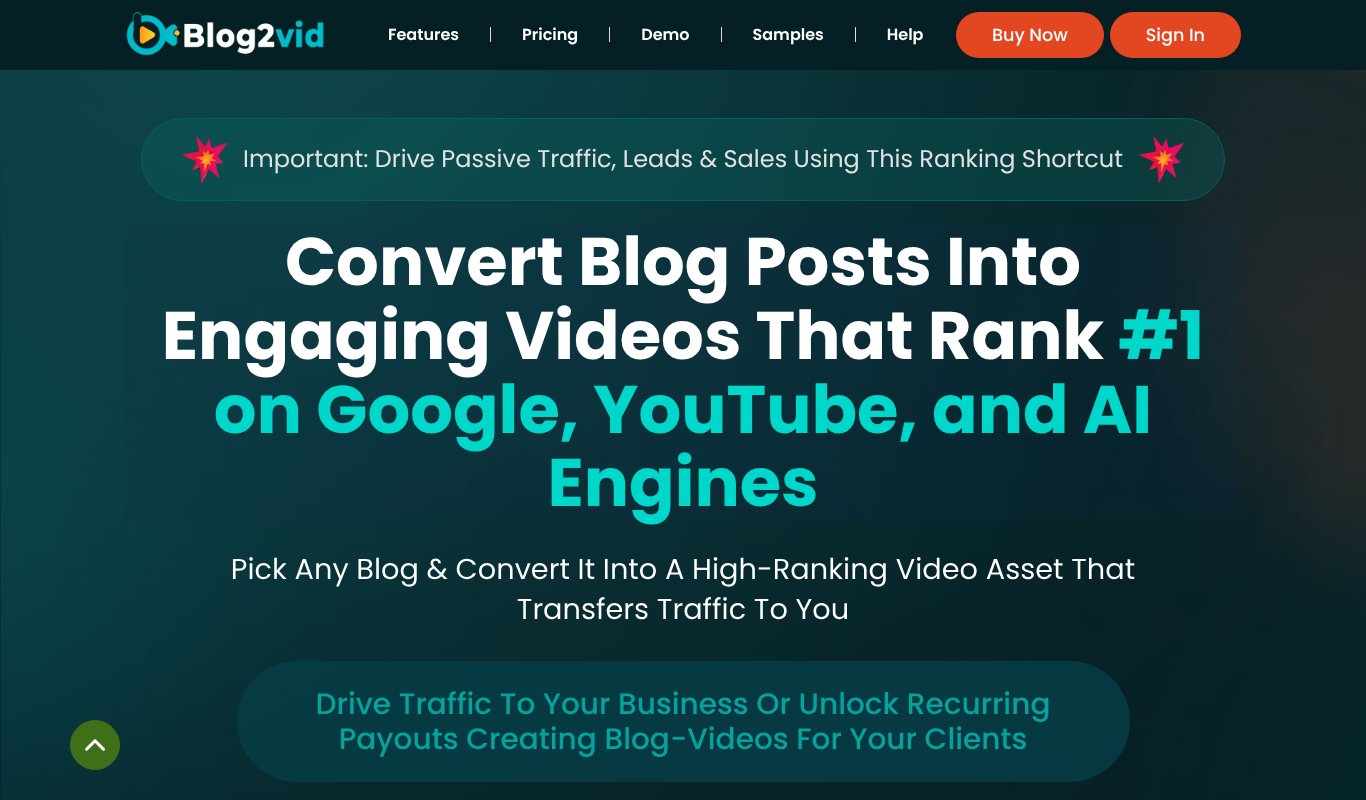
1. Blog2Vid

The Blog2Vid homepage
Most tools on this list are general video makers with a blog import button bolted on.
Blog2Vid is different.
It's built from the ground up for one job: turning your articles into videos people actually want to watch.
Here's how it works. You paste a link to any blog post. Blog2Vid reads the article, grabs its images, and plans the visuals scene by scene.
Want your words kept exactly as written? Done. Prefer something new? It can rewrite the article into fresh, original text, which is handy if you're converting content you've curated.
Then you pick a voice from many voices, languages and accents (or clone your own), choose background music, and select an animated caption style.
That's it.
The part people love is the range of videos you can get from one post. An animated reel or short for TikTok and Instagram. A slideshow reel. A spokesperson-style readout. A full-article video up to 25 minutes for YouTube. Or a quick summary video.
Output comes in landscape, vertical or square, so one article covers every platform.
It even works your product or affiliate promotions into the video. Your content earns while it informs.
And because it's a desktop app, you install it once and make videos right on your own computer, with no video editing skills needed.
Best for: bloggers, affiliates and content marketers.
Why it's the best value
Now look at what blog to video costs elsewhere.
Pictory starts at $25 to $29 a month. Fliki's blog-to-video plan is $21 to $28 a month. Lumen5 starts around $19 a month on a yearly contract. Elai charges $29 a month for just 15 minutes of video, and Synthesia gives you about 12 extra minutes for the same price.
Blog2Vid Elite? $6.99 a month, or $67 for a full year (about $5.58 a month).
That includes 20,000 welcome credits, up to 5 videos every day and videos up to 25 minutes long.
Think about what five videos a day means. You could work through your whole archive, turning each post into a YouTube video plus a few shorts, for less than the price of a coffee each month.
And every plan has a 30-day money-back guarantee, so you can try it on your own blog with no risk.
Pricing: Elite Monthly $6.99/month or Elite Yearly $67/year. Both include 20,000 welcome credits, up to 5 videos daily, videos up to 25 minutes, a self-business license and a 30-day money-back guarantee. Pro and All-Inclusive tiers add rights to make videos for clients.
Pros
- Built specifically for blog to video
- Paste a link, get reels, shorts, full videos or summaries
- Optional rewrite into original text
- Many voices and languages, plus voice cloning
- Landscape, vertical and square output
- Cheapest plan on this list: $6.99 a month or $67 a year
Cons
- Client work needs the Pro or All-Inclusive upgrade
- Elite caps you at 5 videos a day
- Desktop install required (no browser version)
2. Pictory
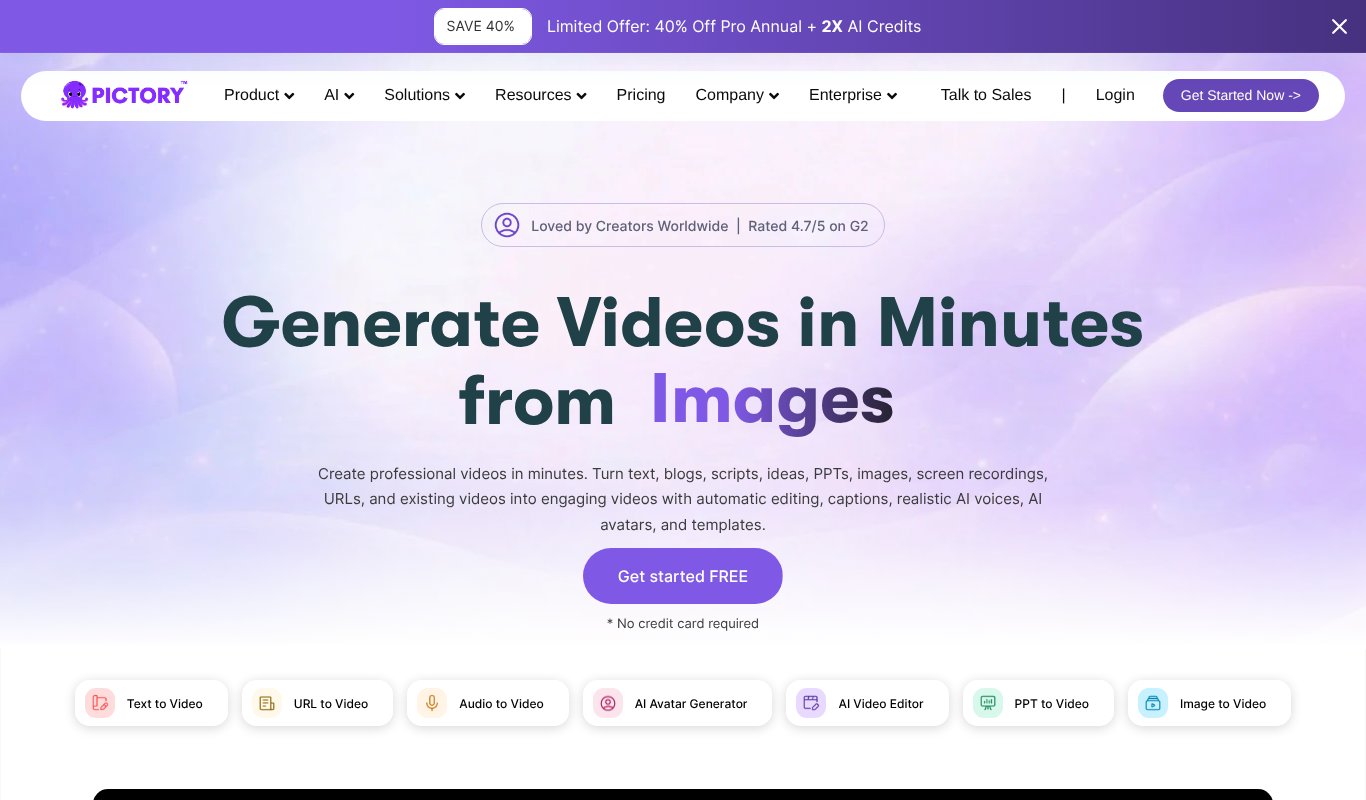
The Pictory homepage
Pictory is the best-known name in this space.
Its URL-to-video feature turns blog posts and web pages into videos with stock footage, captions and AI voices. Paid plans support videos up to 30 minutes.
Need long-form? It has the room.
Best for: stock-footage explainers.
Pricing: 14-day free trial. Starter is $29/month or $25/month billed yearly, Professional is $59/month ($35 yearly), and Team $199/month.
Pros
- Reliable URL-to-video for HTML articles
- Videos up to 30 minutes
- Chrome extension and Zapier integration
Cons
- Visuals lean heavily on stock footage
- Costs about four times as much as Blog2Vid
- Doesn't accept PDF, Word or Google Docs
3. Lumen5

The Lumen5 homepage
Lumen5 is one of the original blog to video tools.
Paste a link, and it summarizes the post into short scenes with stock footage and on-screen text.
Best for: marketing teams making branded social clips.
Pricing: Free plan with watermarked, short videos. Paid plans start at about $19/month billed yearly (Basic), with Starter at about $59 and Pro at about $149.
Pros
- Mature, easy blog to video workflow
- Strong brand kits and templates
- Good for team content
Cons
- Brand kits and 1080p need the pricier plans
- Text-on-screen style can feel dated
- Monthly billing costs more
4. Fliki

The Fliki homepage
Fliki puts the voice first.
It offers a huge range of realistic AI voices and handles many languages well.
Its blog-to-video feature pulls in an article and turns it into scenes with stock media and narration. If your audience speaks more than one language, that combination is worth a close look.
Best for: voice-led videos in many languages.
Pricing: Free plan (watermarked, 5-minute exports, no commercial use). Standard is $28/month or $21/month billed yearly, Premium is $88/month.
Pros
- Excellent voices in 80+ languages
- Blog-to-video on Standard and up
- Exports up to 40 minutes on Premium
Cons
- Free blog-to-video is limited
- Credits can run out quickly
- Refunds generally not given
5. InVideo AI
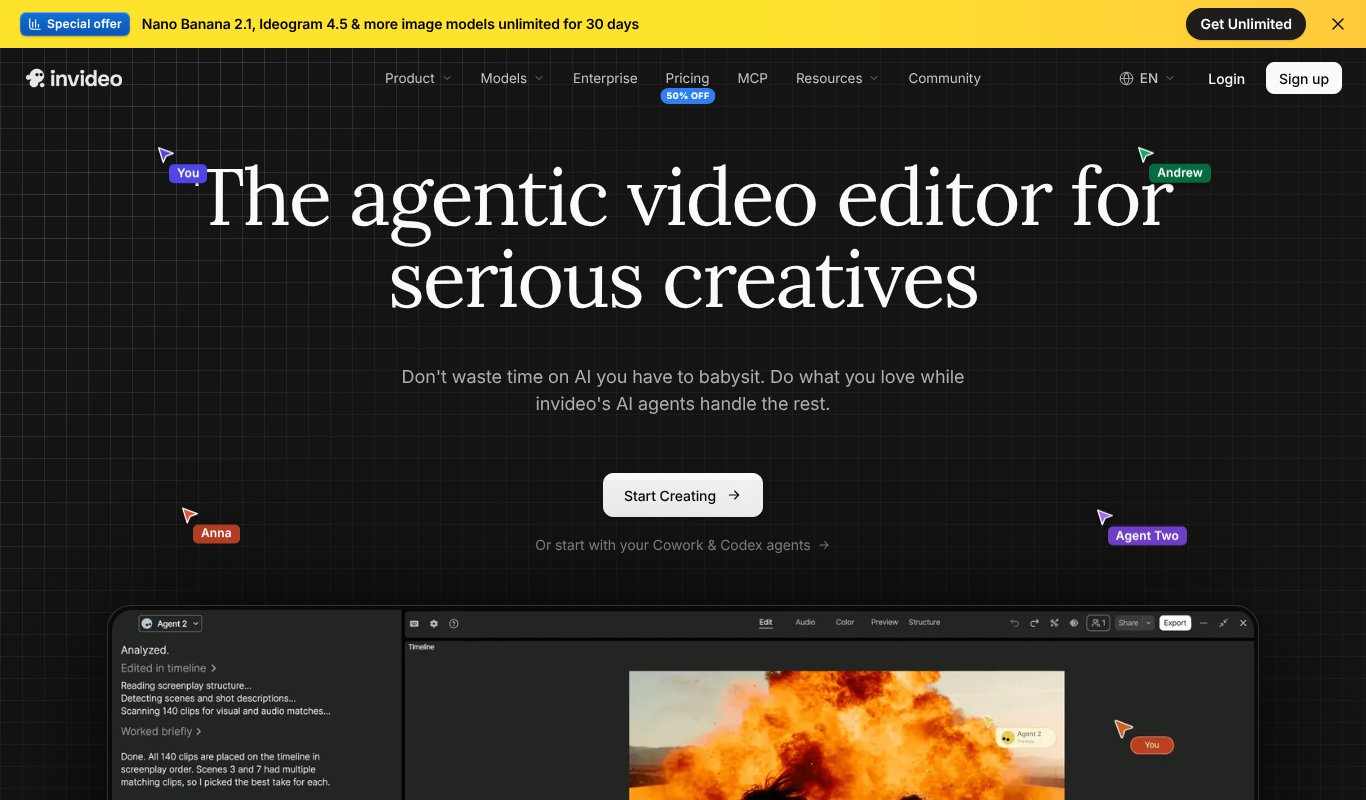
The InVideo AI homepage
InVideo AI hands the job to an AI agent that writes, plans and assembles a video from a prompt.
Paste in your article, or just describe what you want. It builds the scenes, voice-over and music for you.
Want a scene changed? Type it in plain language.
Best for: prompt-driven marketing videos.
Pricing: No free plan listed. Starter is $20/month per seat or $10/month billed yearly, Plus is $60/month, and Max $150/month.
Pros
- Powerful agent that handles script and assembly
- Edit by typing instructions
- Huge stock media library
Cons
- Credits are hard to translate into finished videos
- Unused credits don't roll over
- Charged per seat
6. Visla
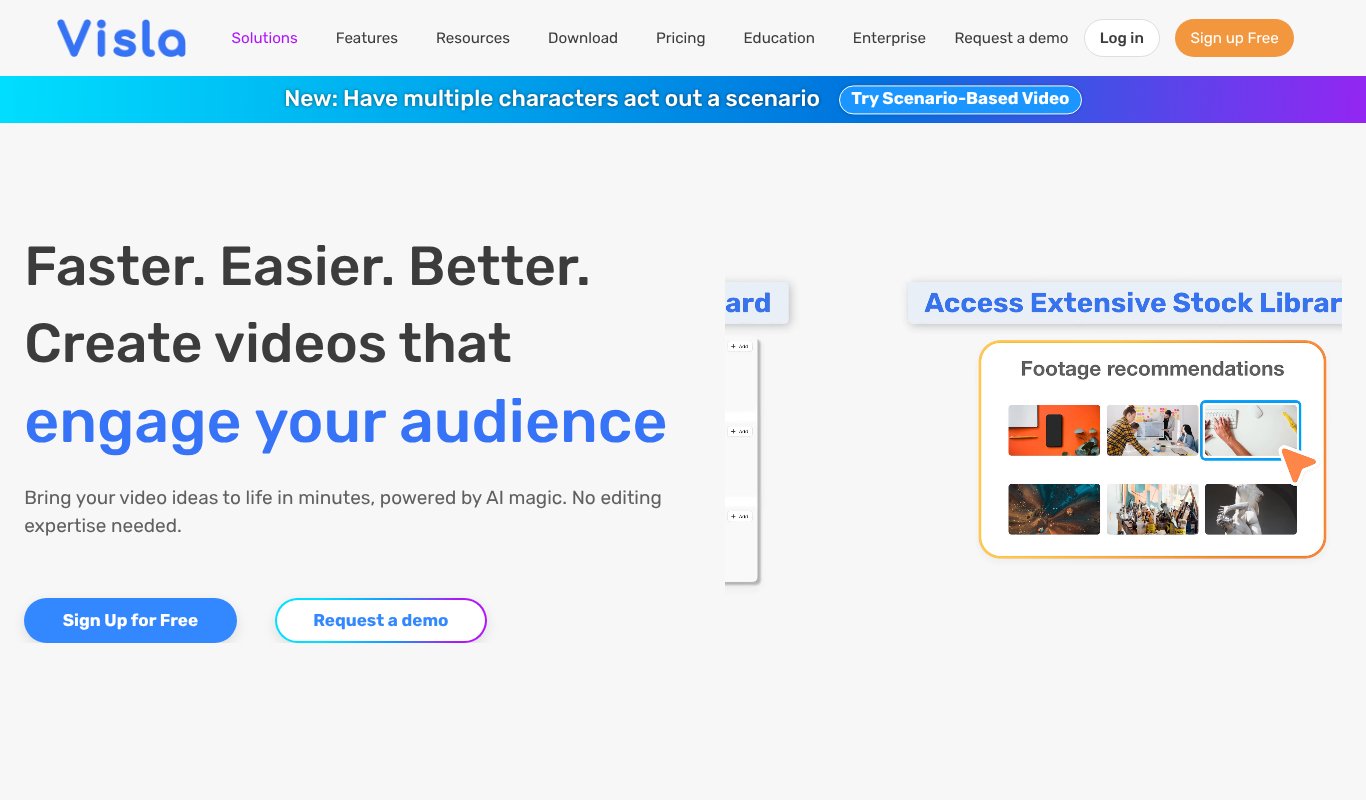
The Visla homepage
Got product pages to promote as well as blog posts?
Visla's webpage-to-video feature takes any URL and turns the page into a video using its own text and images. It's aimed at businesses repurposing blogs, product pages and company sites.
It also adds a team workspace and a Chrome extension.
Best for: businesses converting blogs and product pages.
Pricing: Free plan with watermark. Pro starts at $15/month for 10,000 credits, and Business at $39/month.
Pros
- Paste any URL, including product pages
- Uses the page's own images
- Team collaboration tools
Cons
- Credit system makes costs hard to predict
- Free videos carry a watermark
- Best features sit on Business plans
7. Steve.ai
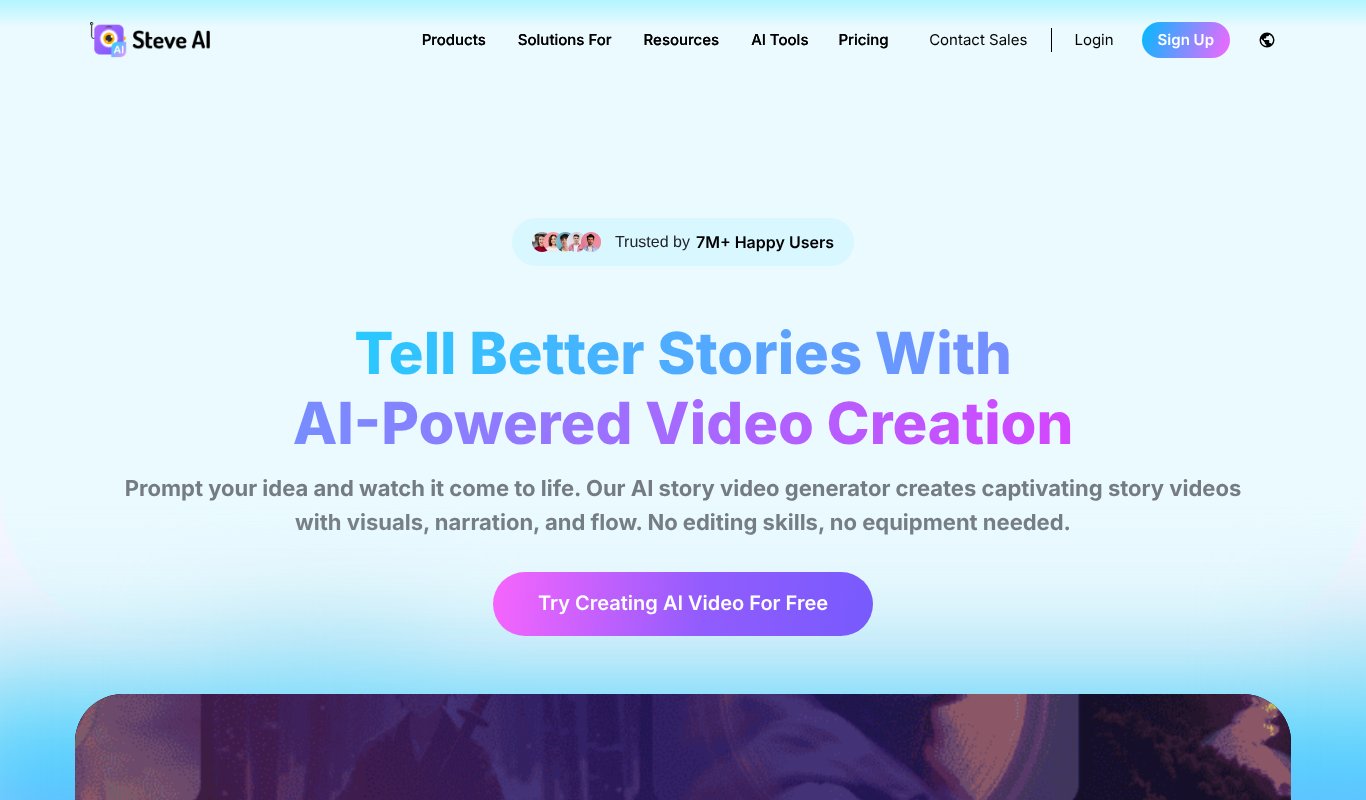
The Steve.ai homepage
Steve.ai turns blog posts into animated or live-action videos. Feed it a blog link and it builds the scenes for you.
What sets it apart is the cast.
Its library of cartoon characters and backgrounds makes it a good fit for explainers and kids' content.
Best for: animated explainers at a low entry price.
Pricing: Free plan with limited credits. Paid plans start at about $10/month billed yearly ($20 month to month), with Starter and Pro tiers above it.
Pros
- Blog to video built in
- Animated characters for explainers
- Cheap entry price
Cons
- Pricing page is confusing, with conflicting numbers
- Free plan limits resolution and downloads
- Animation style can look template-like
8. Synthesia
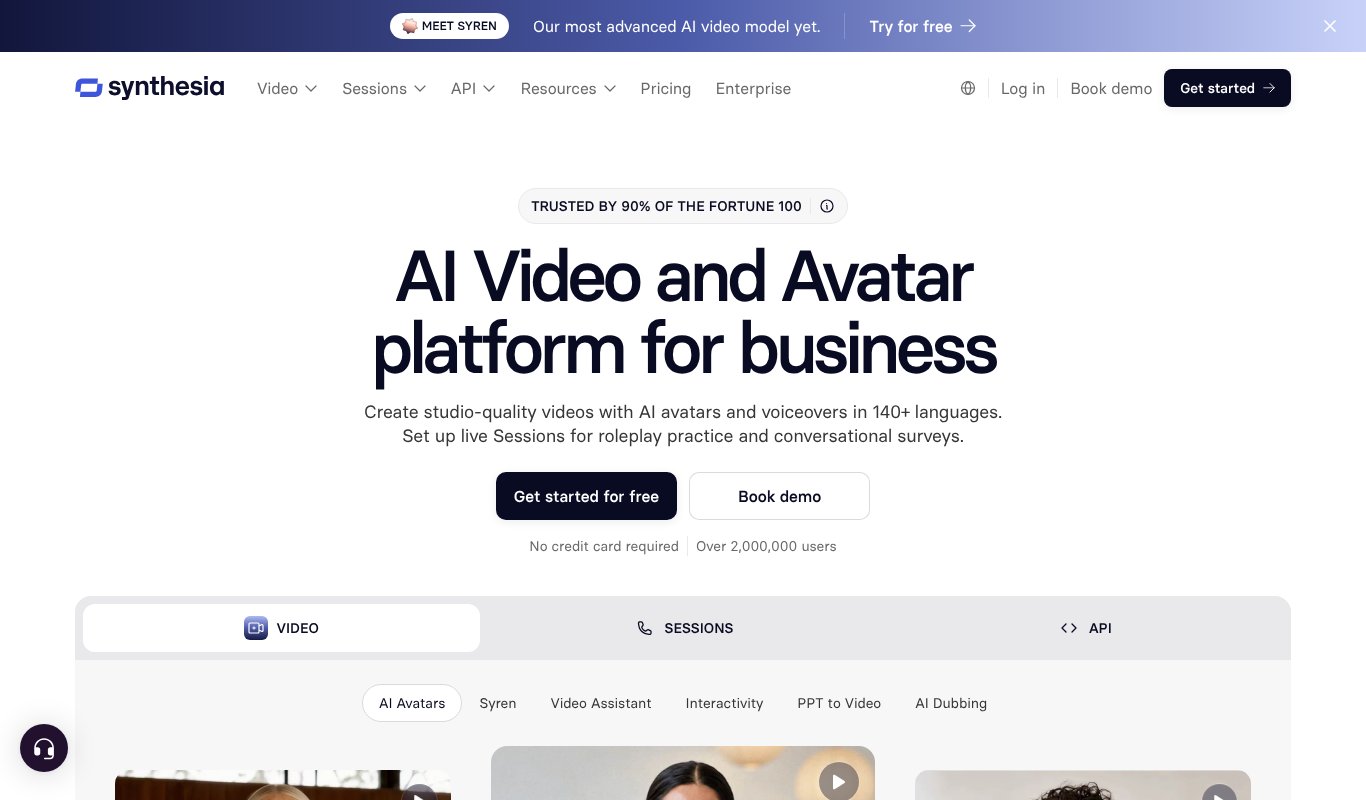
The Synthesia homepage
Synthesia is the best-known AI avatar platform. Big companies use it for training and internal comms, and its AI video generator turns documents and prompts into presenter-led videos.
The avatars? Top tier.
The catch is that it isn't built around blog links, and minutes are tight on the entry plan.
Best for: avatar training videos.
Pricing: Free Basic plan with 10 minutes and a watermark. Starter is $29/month (about 12 extra minutes), Pro is $89/month. Yearly billing saves up to 4 months.
Pros
- Most realistic AI avatars
- Huge language support and dubbing
- Enterprise-grade security
Cons
- No paste-a-blog-URL workflow
- Limited minutes on Starter
- Avatar style isn't ideal for Reels and Shorts
9. Elai.io

The Elai.io homepage
Elai specializes in AI presenter videos for training and corporate learning.
Its URL-to-video feature reads a web page and builds an avatar-led video with slides. The result is polished.
The downside? Pricing is by the minute, which makes converting a large blog expensive.
Best for: avatar-led training and onboarding videos.
Pricing: Free plan with 1 minute. Creator is $29/month or $23/month billed yearly for 15 minutes a month. Team is $125/month for 50 minutes. Extra minutes cost $2 each.
Pros
- Realistic avatars in 75+ languages
- URL-to-video included
- Good for training and onboarding content
Cons
- Only 15 minutes a month on Creator
- Voice clones and custom avatars cost extra
- Feels corporate for social content
10. VEED
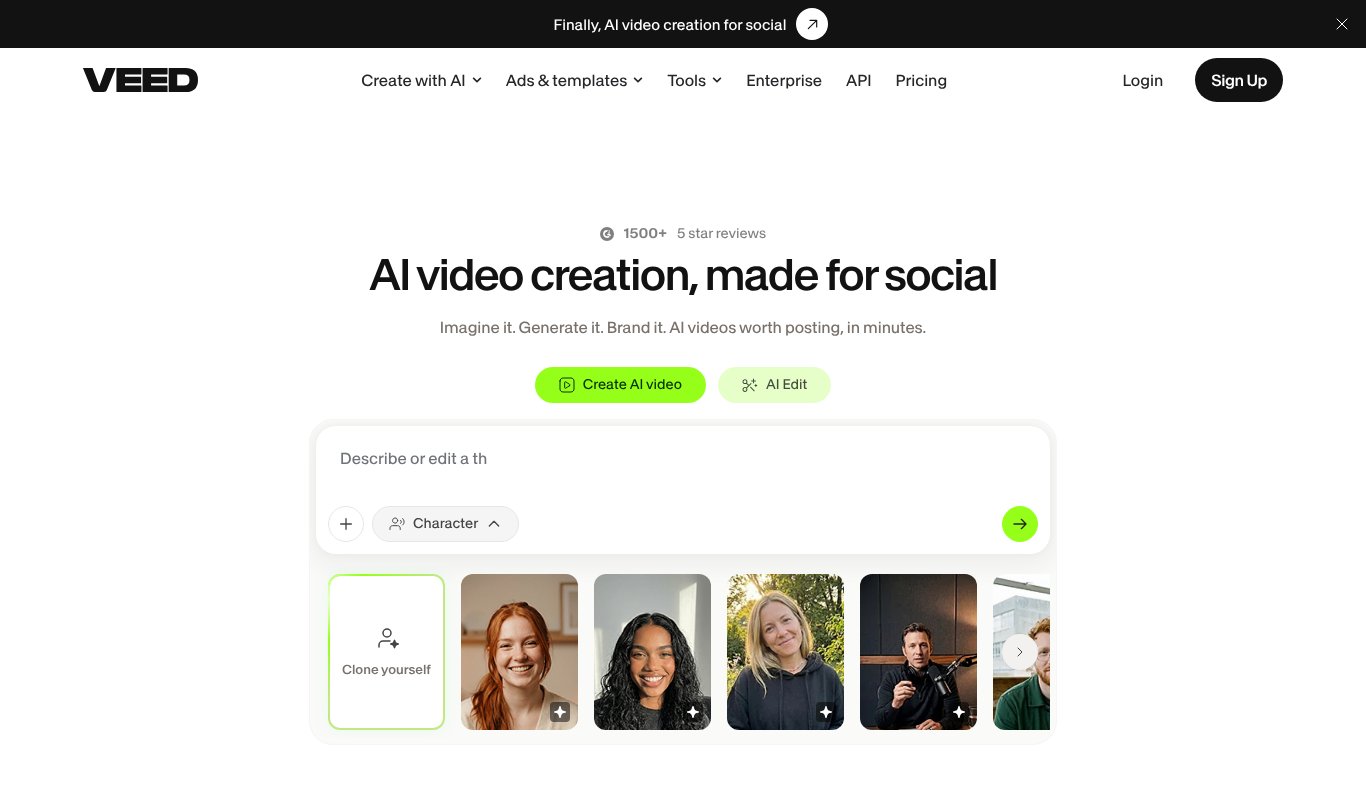
The VEED homepage
VEED is best known for one thing: auto subtitles.
Its AI video generator turns a script or prompt into a video with voice-over, stock clips and captions. Then you fine-tune it all in a full editor.
One catch. You paste your article text, not a link.
Best for: creators who want editing plus AI generation in one tool.
Pricing: Free plan with watermark and 720p exports. Creator is $25/month or $147/year per seat, Pro is $45/month, and Studio $79/month.
Pros
- Best-in-class subtitles and editing tools
- AI avatars and translation
- Works entirely in the browser
Cons
- Charged per seat
- AI credits don't carry over
- No dedicated blog URL import
11. Wave.video
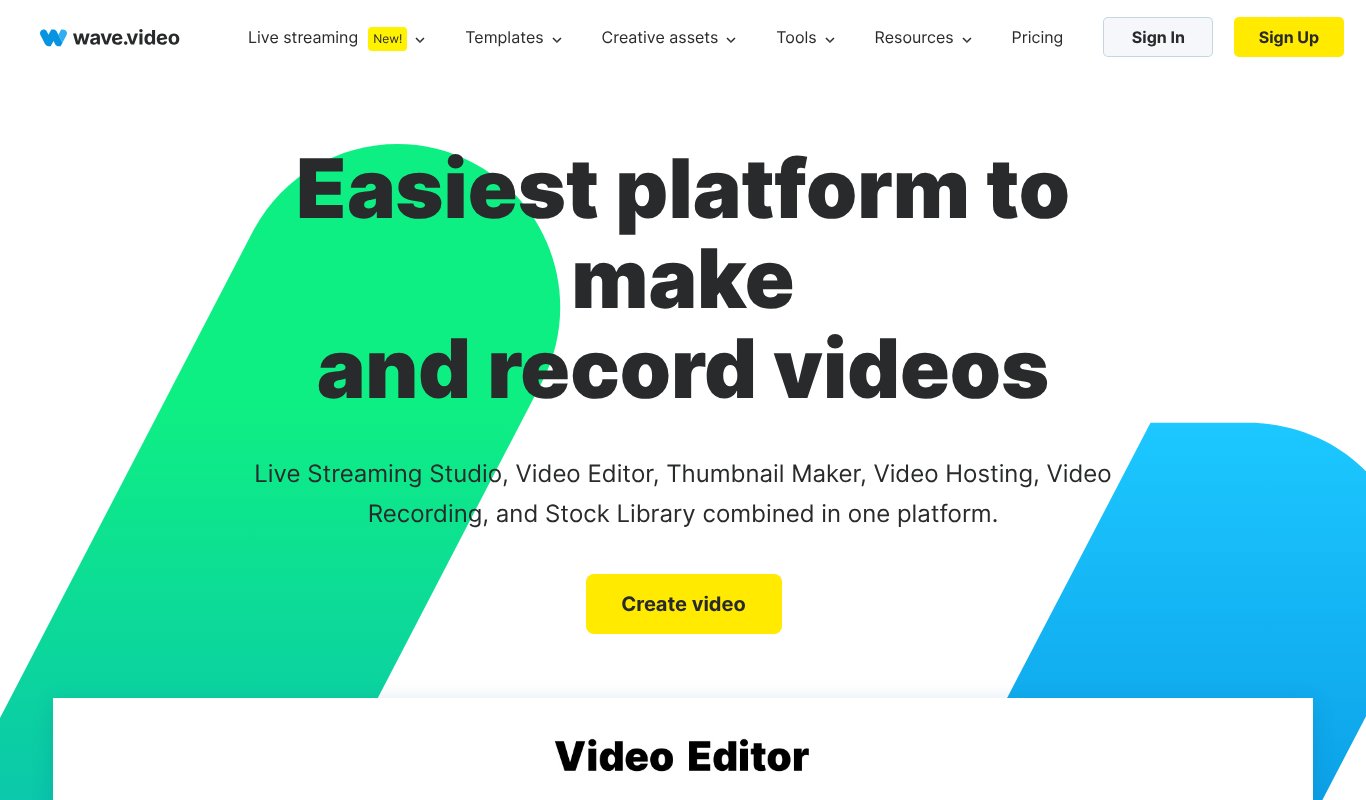
The Wave.video homepage
Wave.video is a video marketing toolkit: editor, live streaming, hosting and a thumbnail maker in one place.
Its text-to-video tool turns pasted text into a stock-footage draft you can then edit. Blog conversion is a side feature here, not the focus.
Best for: an all-in-one video marketing setup.
Pricing: Free plan with watermark. Paid plans start at $16/month (Streamer), with Creator at $24 and Business at $48. Yearly billing saves 20%.
Pros
- Editor, hosting and live streaming in one tool
- Large stock library
- Affordable entry plan
Cons
- No direct paste-a-URL article import
- Starter plan leans toward live streaming
- AI features are lighter than dedicated tools
12. Canva
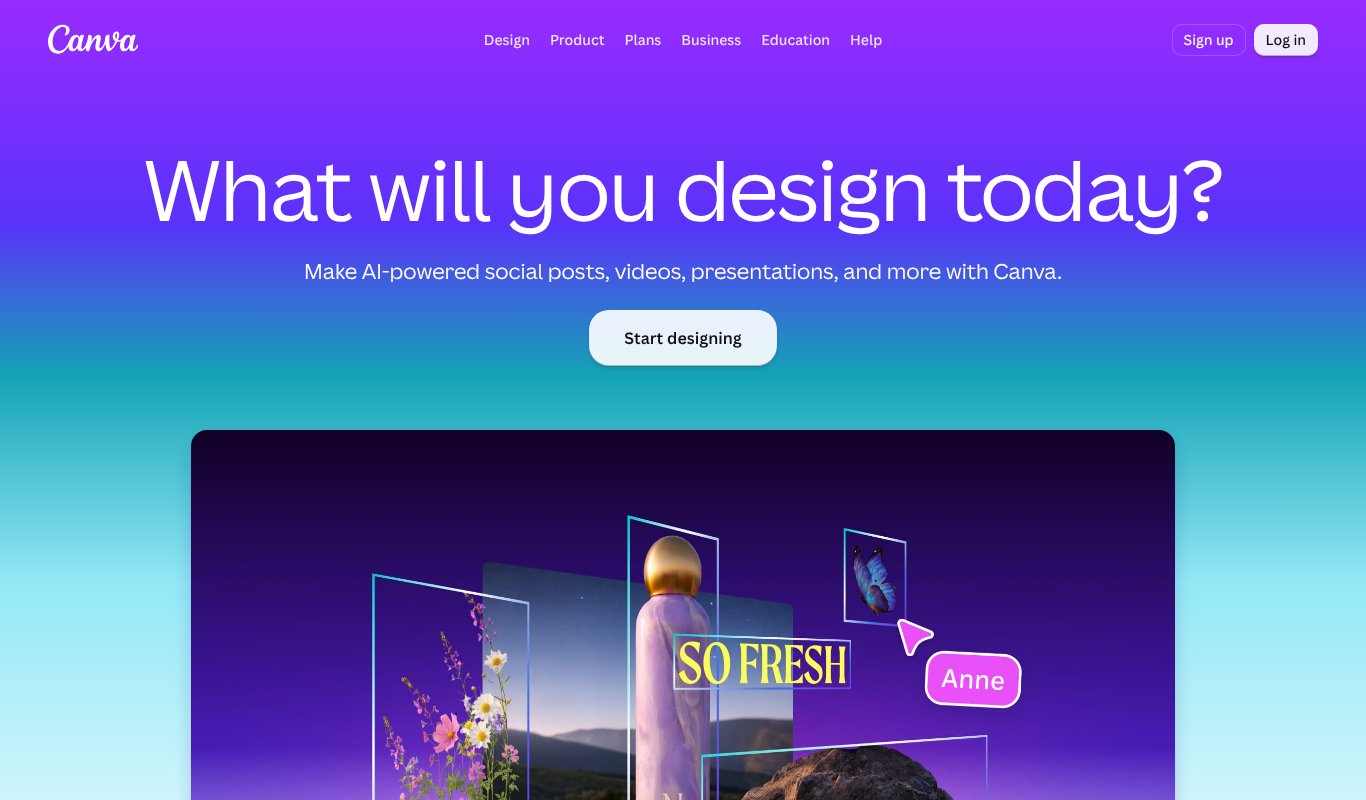
The Canva homepage
Canva is the design tool almost everyone already uses. Its video editor is excellent for polishing a video by hand.
So what's missing?
A true paste-a-link workflow. Canva AI can now generate short video clips, scripts and voice-overs, but you still build the video yourself, with AI helping along the way.
Best for: design-first teams already working in Canva.
Pricing: Free plan available. Canva Pro is about $15/month or $144/year for one person, and Business is $250/year per person. AI video generation uses a limited monthly allowance.
Pros
- Huge template and stock library
- Very easy drag-and-drop editing
- Great for matching brand designs
Cons
- No automatic blog or URL to video
- AI video clips are short and capped per month
- Converting a long article takes real manual work
How to choose the right tool
Still not sure which one fits? Start with what you actually need.
If you want to turn a blog into lots of videos, pick a tool built around the URL. Blog2Vid, Pictory, Lumen5, Fliki and Visla all accept a link, but only Blog2Vid gives you reels, full-length videos, spokesperson readouts and summaries from the same post at under $7 a month.
If you need a human-looking presenter for training or corporate videos, avatar tools like Synthesia and Elai lead the way. Just be ready to pay by the minute.
Watch the cost per finished video, not just the monthly price.
Credit and minute limits decide how many posts you can really convert. A blog with 100 articles needs a plan that can keep up.
Test with your best post first. Pick an article that already performs well, run it through a free plan, trial or money-back window, and compare the results side by side before you commit.
Match the format to the platform. Vertical for Reels, Shorts and TikTok. Landscape for YouTube.
Check for watermarks. Most free plans stamp one on your videos, so budget for a paid plan before you publish anything public.
Frequently asked questions
What is a blog to video tool?
It's software that takes a written article, usually from a link, and turns it into a video with visuals, voice-over, music and captions, so you can share the same content on YouTube, Reels, Shorts and TikTok.
Can AI turn a blog post into a YouTube video?
Yes. Tools like Blog2Vid read the article, plan the scenes and add narration automatically. Blog2Vid can make full-article videos up to 25 minutes, which suits YouTube, as well as vertical shorts from the same post.
What is the cheapest blog to video AI tool?
Among the tools we tested, Blog2Vid is the cheapest at $6.99 a month or $67 a year, with up to 5 videos a day. Most rivals start between $10 and $29 a month, often only on yearly billing.
Will turning my blog into videos hurt my SEO?
No. Videos give your content a second life on YouTube and social platforms, and embedding a video in the original post can keep readers on the page longer.
Final verdict
So, which tool wins?
If you need a polished avatar presenter, Synthesia or Elai will impress you. Pictory remains a solid all-rounder.
But if you want to turn your blog into a steady stream of reels, shorts and full YouTube videos, with real voices, captions and music, and without paying per minute, Blog2Vid is the clear winner.
At $67 a year, it costs less than three months of Pictory.
Try Blog2Vid today and turn your next blog post into a video in minutes.